
Digital Display Solutions in Singapore: A Practical Guide for Businesses
Digital display solutions are no longer a luxury reserved for flagship retail or trade shows. In Singapore, businesses of every size — from boutique F&B outlets to corporate HQs, museums to co-working spaces — are using commercial-grade screens, projection and signage networks to communicate, engage and operate more efficiently. This guide explains what digital display solutions include, why Singapore businesses adopt them, the common use cases across industries, the types of displays to consider, and how to choose, install and maintain the right setup.
What Digital Display Solutions Include
A digital display solution is more than a screen on a wall. It is the full stack that takes content from your team and shows it reliably to the right audience in the right place. In a typical Singapore deployment, that stack includes six layers:
- Display hardware — commercial LCD, LED video wall, projection, transparent OLED or e-paper, sized for the viewing distance and ambient light.
- Mounting & power — wall mounts, ceiling mounts, floor stands, kiosk enclosures, IP-rated outdoor cabinets, dedicated power circuits.
- Media player or System-on-Chip — a small computer (or built-in chip) that runs the content 24/7.
- Content management system (CMS) — software that schedules what plays when, by screen, by zone, by store, by daypart.
- Network — wired Ethernet, Wi-Fi, or 4G/5G to push content and pull device health.
- Service & support — content design, installation, monitoring, and a helpdesk for when something goes wrong.
You can buy any of these layers separately, but the cost and time savings of an integrated solution are significant. Singapore businesses that try to stitch together a DIY stack usually spend the first six months re-doing what an integrator would have done in two weeks.
At a glance: Versal Media delivers the full stack — hardware procurement, installation, network, CMS (we use VersalSign and integrate with most third-party CMSs), and 24/7 support — as a single point of accountability across Singapore and the region.
Why Singapore Businesses Use Them
Three forces are pushing digital display adoption in Singapore — cost, customer expectation, and operations.
1. Hardware is now affordable. Commercial 55-inch displays have dropped from S$4,000+ a decade ago to under S$1,500 today. LED video walls that cost S$100,000 a square metre in 2015 are now under S$10,000. The capital barrier is gone for most use cases.
2. Customer expectation has shifted. Shoppers, diners, visitors and employees now expect real-time information. Static posters feel dated. A well-run digital display network signals competence and modernity in a way printed signage cannot.
3. Operations are easier. A cloud CMS lets one marketing team push a price change to 80 outlets in 30 seconds. Compare that to printing, distributing and replacing 80 window decals, and the ROI is obvious.
Common Use Cases Across Industries
Singapore's commercial-property mix is uniquely diverse for a city of its size, and so are the display use cases:
- Retail & F&B — window displays, in-store promotions, queue management, menu boards with dayparting.
- Corporate offices — lobby welcome boards, meeting room signage, wayfinding, internal comms dashboards.
- Museums & attractions — interactive exhibits, exhibit narration, donor walls, multilingual wayfinding.
- Events & exhibitions — stage backdrops, sponsor loops, info kiosks, registration signage.
- Healthcare — queue ticketing, wayfinding, patient education in waiting areas.
- Education — classroom interactive displays, wayfinding, digital notice boards.
- Public spaces — transit information, tourist info, safety messaging, wayfinding.
- Hospitality — lobby art walls, meeting room signage, restaurant menu boards, concierge info.
Types of Digital Displays to Consider
Not all displays are interchangeable. The right pick depends on viewing distance, ambient light, run time and the content format. Here is how we typically think about it:
Commercial LCD panels (32" to 98") are the workhorse — good for indoor meeting rooms, retail, menu boards, wayfinding. 500 to 700 nits typical; high-bright options up to 2,500 nits for window-facing use. Rated for 24/7 operation.
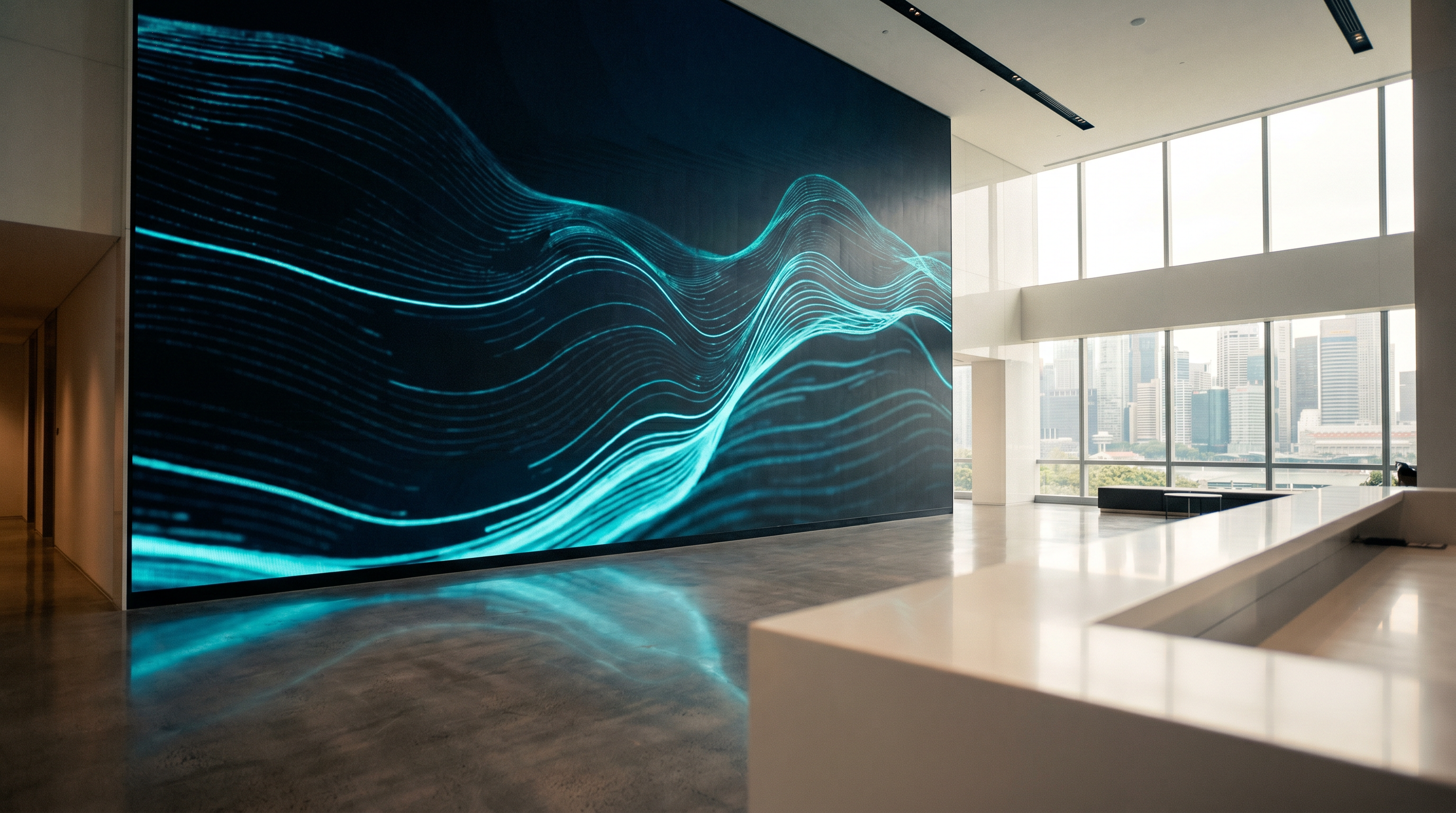
LED video walls use direct-view LEDs tiled into a seamless canvas of any size. Best for: large atrium features, stage backdrops, control rooms, high-end retail. Higher upfront cost but lower long-term maintenance and no bezels.
Interactive displays add touch to an LCD panel. Best for: meeting rooms, classrooms, kiosks, wayfinding. We cover interactive displays in detail in our corporate presentations guide.
Projection still has a place for very large images (150"+) where the budget rules out LED. Laser projectors with 20,000-hour lamp life have largely replaced lamp-based units. Good for: auditoriums, art installations, large lecture halls.
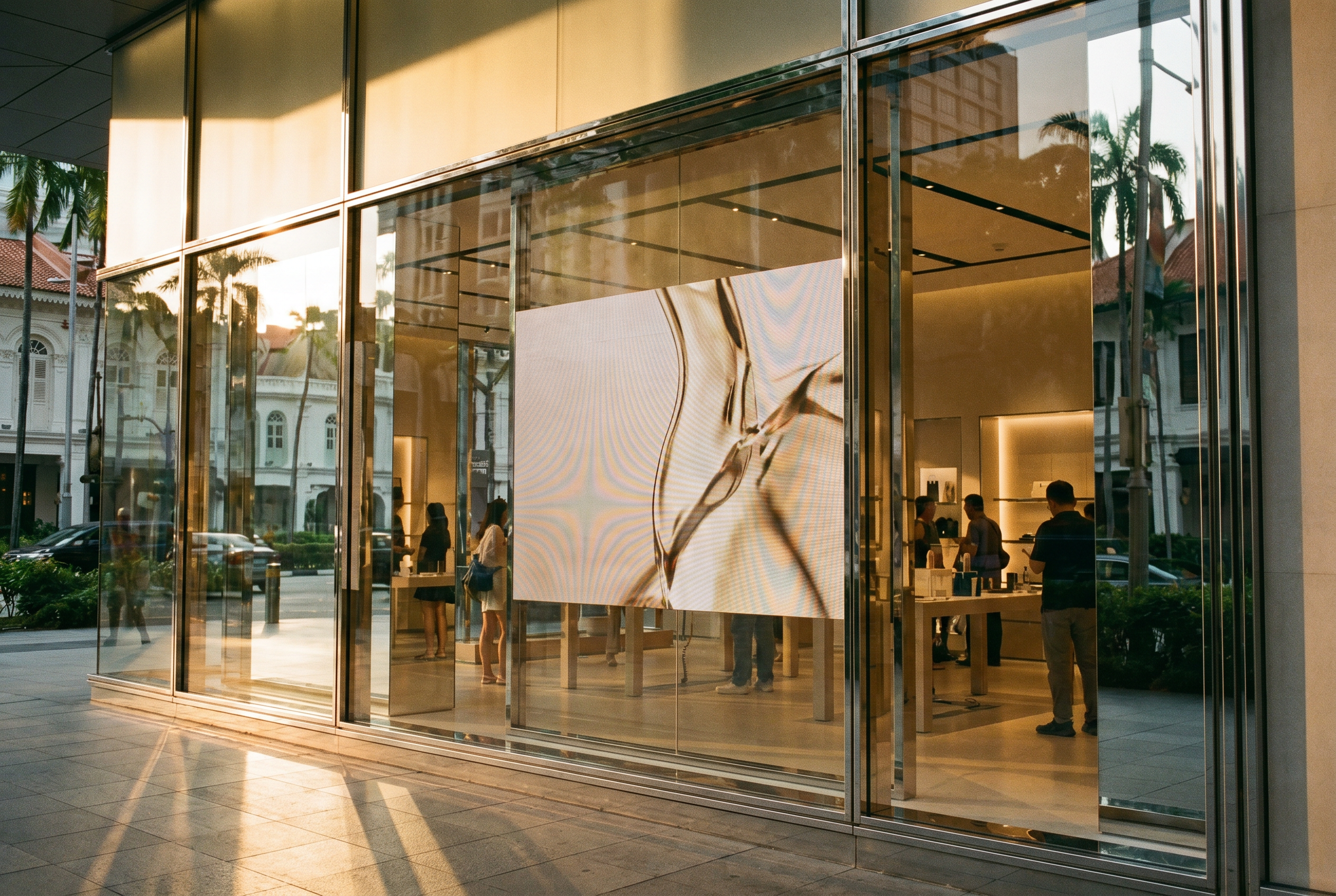
Transparent OLED & LED overlays onto glass — ideal for retail windows and showroom displays where you want the product visible through the screen. Premium pricing but unmatched effect.
Stretch / ultra-wide displays (28" to 88") are bar-shaped, ideal for shelf-edge pricing, queue-line info, and bus or transit interiors. Increasingly common in Singapore F&B and transit.
How to Choose the Right Setup
Choosing the right setup is less about screen size and more about the use case. Walk through these five questions before specifying anything:
1. Where will viewers be, and how far away? Viewing distance dictates screen size. A 10-metre lobby needs a 75" minimum; a 2-metre retail shelf needs a 24" stretched bar.
2. How bright is the environment? Window-facing, outdoor and atrium installs need high-bright panels (1,500 to 3,000+ nits). A dim boardroom can use a 350-nit consumer-grade TV at much lower cost.
3. What content will play? Static images and simple videos work on any panel. 4K video at 60fps needs a more powerful media player. Live data dashboards (KPIs, social walls) need reliable network and CMS templating.
4. Who will manage content? Marketing-led content needs a non-technical CMS. Operations-led content (queue numbers, meeting schedules) often needs API integration. Get this wrong and the network either goes stale or becomes a single-point-of-failure bottleneck.
5. What is the support model? A single-screen install in a private office rarely needs a service contract. A 50-screen retail network across Singapore needs 24/7 monitoring and a 4-hour onsite response SLA. Match the support model to the operational risk.
Pro tip: If you can answer the 5 questions above but don't know what specs to translate them into, our free 30-minute consultation will produce a written scope document in 48 hours.
Installation, Support, and Maintenance
A well-installed display network is invisible. A poorly installed one becomes a daily tax on your operations team. The four things that determine long-term reliability are:
Power & data infrastructure. Conduit, power circuits and network cabling should be planned before the screens arrive. Retrofitting trunking in a finished space is 3 to 5x the cost of including it during the build-out. Always spec a UPS or surge protector at the screen end.
Mounting quality. Commercial mounts are rated for the screen's weight and the wall type. Underspec'd mounts are a safety hazard and the leading cause of "screen fell off the wall" incidents in Singapore. Use a vendor who is BCA-registered for structural work.
Content & device monitoring. A modern CMS like VersalSign tells you the moment a screen goes offline, overheats, or fails to play scheduled content. Without this, the first sign of trouble is a customer telling you your lobby TV has been black for a week.
Cleaning & calibration. Commercial screens need periodic cleaning (especially in F&B and outdoor), and color calibration drifts after 12–18 months. Plan a 6-monthly check.
FAQ
What counts as a digital display solution?
How much do digital display solutions cost in Singapore?
How long does installation take?
Do I need internet at every screen?
What is the difference between digital signage and a digital display?
Can I use my existing TVs as commercial displays?
Have a project in mind?
We’ll send a clear quote in one business day.
Tell us your space, audience and goal. We’ll recommend the right setup — hardware, software and content — and turn around a fixed-scope proposal.